This week, I resolved to finish chapters 4 and 5; this involves learning the basic concepts I need to use C++ code in the unreal engine and then practicing this by creating a basic actor class.
Chapter 4
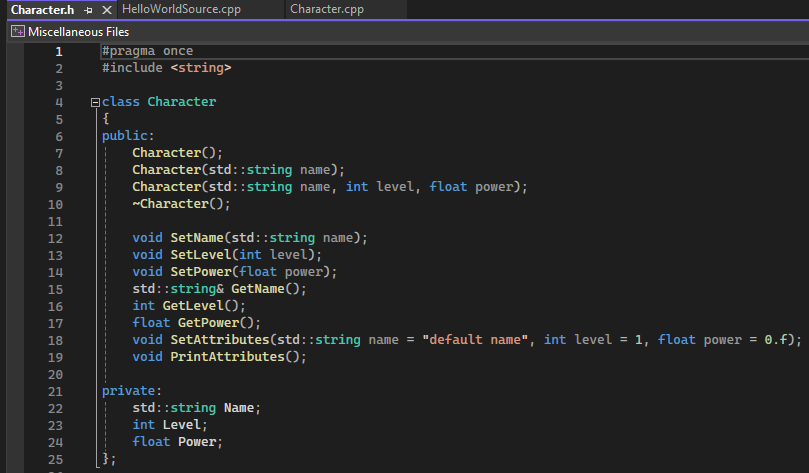
I learned how to initialise variables and functions in c++ in the header file. I also created overload functions for creating a character class, allowing them to be constructed in three unique ways instead of one, allowing for greater coding freedom. A function is also created to clean up the character once it’s no longer being used.
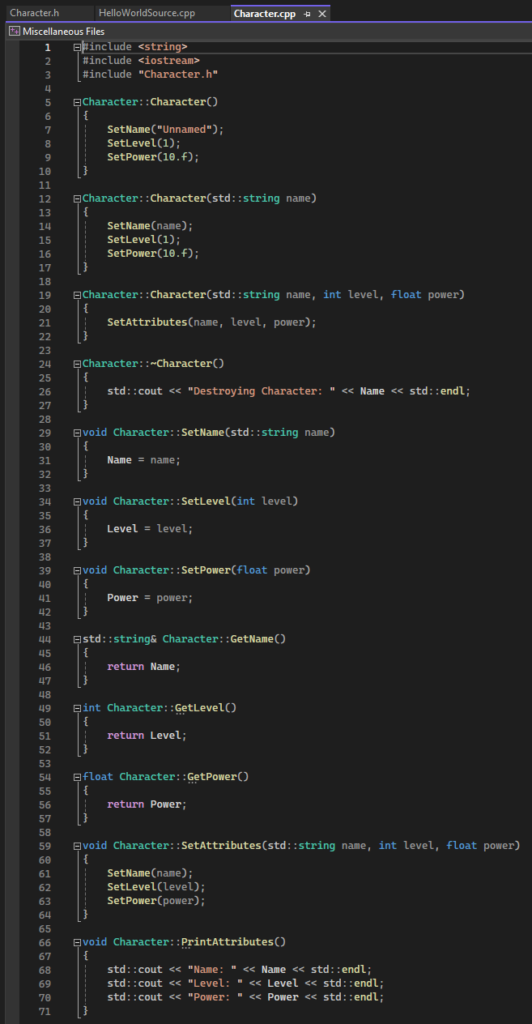
The code for each function is fairly simple. Printing the attributes uses concatenation to create a neat output.
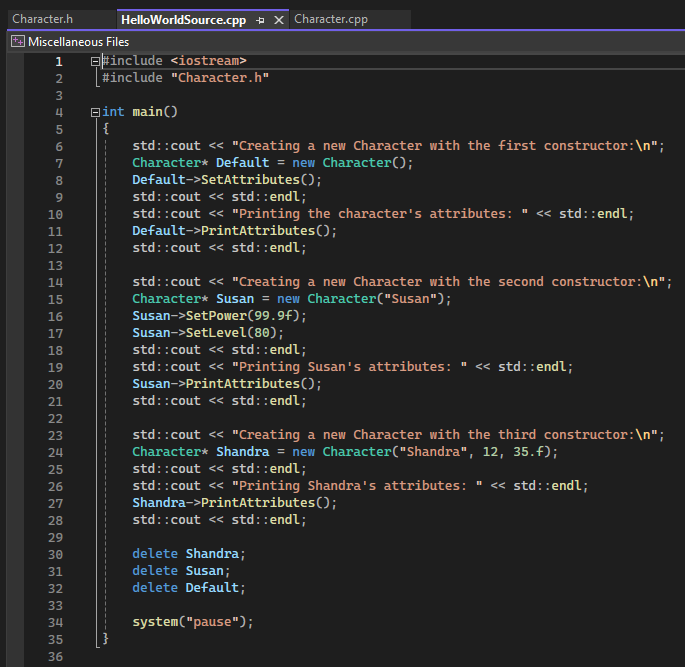
Below are three examples using each overload. It then deletes them to free up their memory slots.
Chapter 5
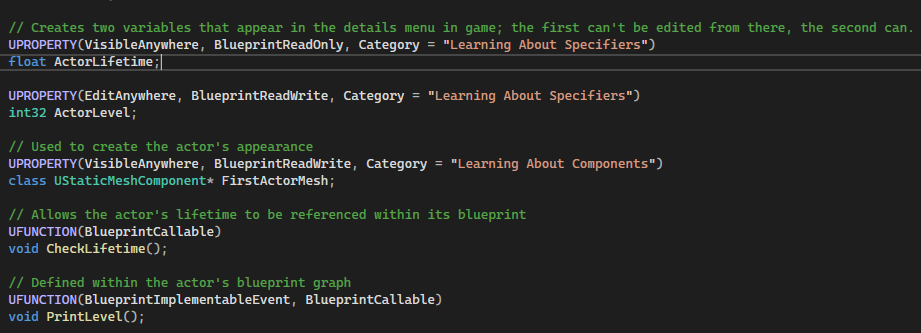
I created my unreal game project and initialised a practice actor to test my current c++ knowledge. I declared two variables to check its lifetime and “level”, as well as functions to reference level in its blueprint and check its lifetime. I assigned a static mesh component to make it look like a triangle.
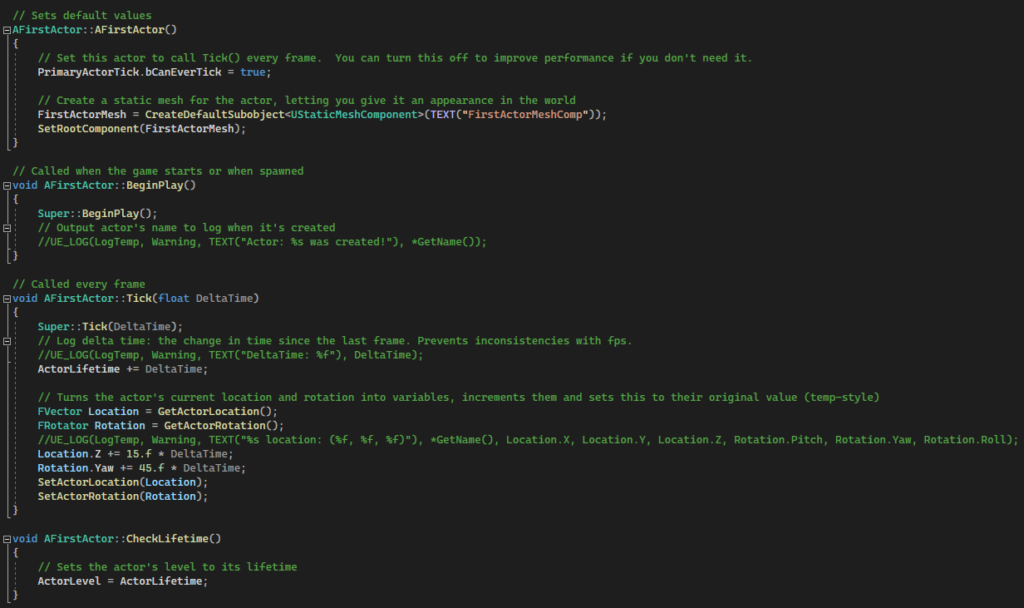
The cpp file contains basic code to define the actor’s current location and rotation as variables, then add to them and set them as the new values – similar to sentries in regular code.
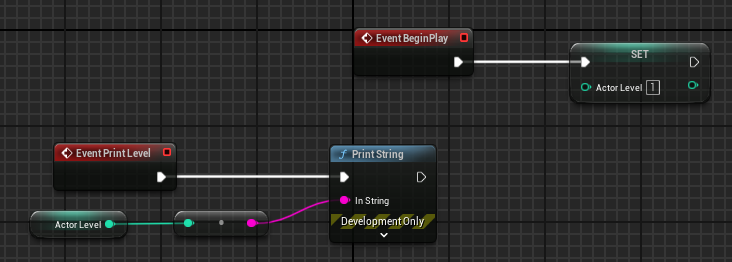
I also included basic blueprint code to print the level variable as a string in the console to practice tying blueprint code to c++ code.
Chapter 6
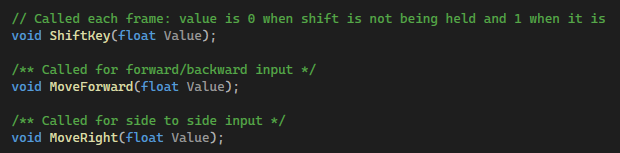
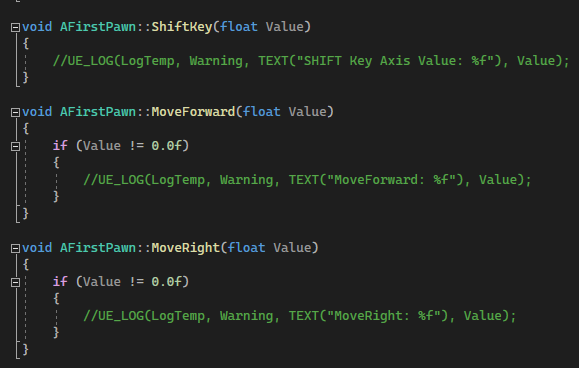
Finally, I created a basic player pawn with action and axis inputs for movement. These contain no functionality, since they’re not required for my project, but understanding how to create action and axis mappings will be useful eventually.
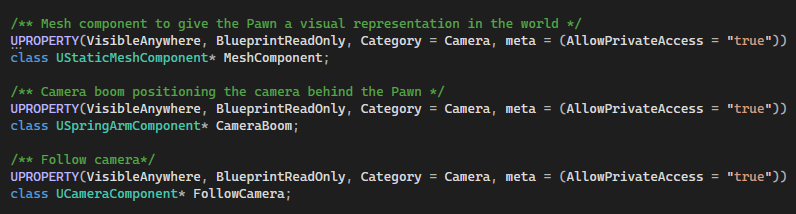
I attached a static camera that the game will use. This is adjusted to a 45 degree angle above and behind the pawn, to give a pseudo-bird’s eye view to the game.
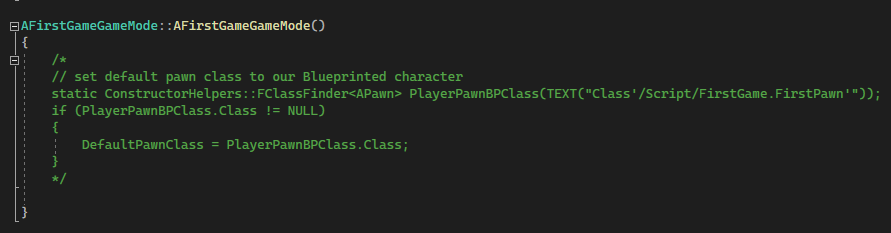
To set this pawn as the default, I originally edited the gamemode code to use it. I later realised I could edit this in project setting as well as the map unique settings to replace the original default pawn.