Player inputs
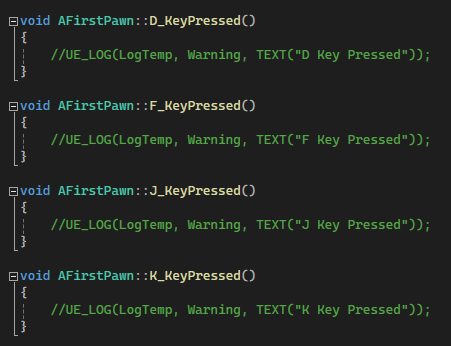
I chose a basic control method: D F J K to attack each lane right to left. Since I already had an action mapping for the E key, I adapted this to give myself code space for when any of these keys have inputs detected.
Player attacks
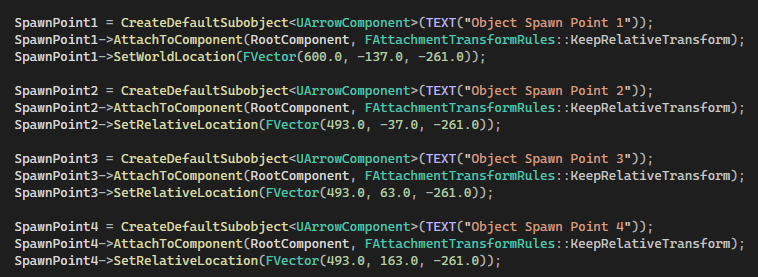
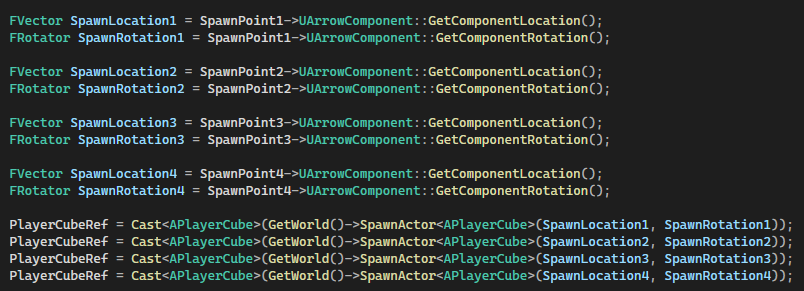
I reused the enemy spawner code for creating 4 arrow components to create 4 equally spaced lanes for the player’s attacks to appear in. To test this functionality, I defaulted the player to spawn 4 green cubes on these positions on its creation, rather than when inputs are detected.
Constructor Error
After setting the location of these arrow components, I realised building the code had no impact on their position; they would only spawn at 0, 0, 0 in the world. The project would only seem to rebuild the code every time I deleted and regenerated the c++ files, rendering me unable to edit the player pawn without spending 5 minutes refreshing unreal engine.
After 2 days of tinkering with the code, I figured out that I had defined the cube spawn positions in the constructor of the player pawn. This is only passed through once when the solution file is created, so I decided to get their positions correct and make sure not to include any more code in constructors if I could help it.
Finalised Player Attack
Once the cubes’ starting positions had been correctly set, I subtracted 1000 from them to make them invisible to the player when the game starts. I then constructed 2 functions for all 4 gameplay keys (d, f, j, k) that warp the cube 1000 forward in the Y direction to simulate the player spawning the cube there. A timer was used to ensure that it moves back into position after 50ms, which avoids clipping issues when two enemies align closely to each other. The variables can(key)attack prevent the player from spamming the attack button consecutively, which would warp the cubes further than 1000 forward and miss the enemies.
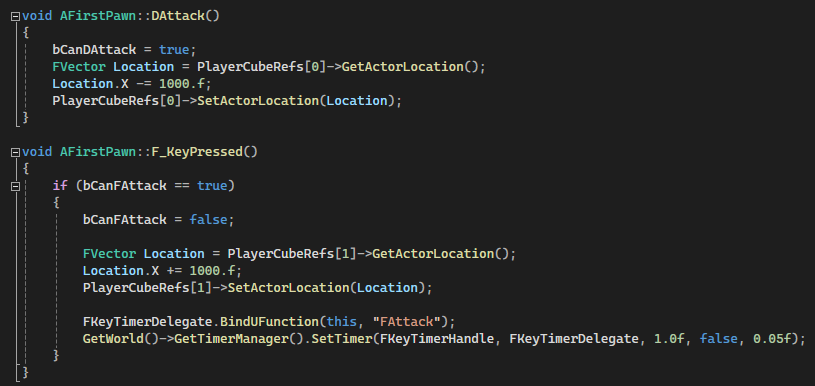
A more efficient way of doing this than having 8 total functions for this behaviour would be to store the potential inputs in an array and pull the correct timer for whichever input correlates to the player input.